
It’s wild how far smartphone cameras have come, isn’t it?
Just a few years ago, you needed a DSLR to capture crisp portraits or dreamy night skies. Now, your phone can do it — sometimes even better. But here’s the catch: your camera hardware is only half the story.
The other half? The app that controls it.
While most phones come with solid default camera apps, they often hide the full potential of your camera sensor. That’s where third-party apps step in — giving you manual controls, RAW shooting, AI-powered tweaks, and pro-level video tools that can make a serious difference.
And in 2025, camera apps are smarter than ever. From intelligent scene detection to cinematic color profiles, the right app can literally change how your photos look — and how they feel.
Whether you’re a casual shooter who just wants better selfies or a creator chasing DSLR-like control, there’s an app built for you.
In this post, we’ve handpicked the 10 best Android camera apps of 2025 — tested for quality, stability, and creativity. You’ll find options for every need and budget: from open-source gems to professional-grade tools trusted by mobile filmmakers.
So, ready to unlock your phone’s real camera power?
Quick Overview: Best Android Camera Apps at a Glance
Don’t have time to read the full breakdown?
Here’s your quick snapshot of the top 10 best Android camera apps in 2025 — covering everything from pro-grade manual controls to AI-powered shooting.
| App Name | Best For | Price | Highlight Feature |
|---|---|---|---|
| ProShot | DSLR-style manual control | Paid (One-time) | Full manual mode, RAW capture |
| GCamera (GCam Ports) | AI-powered photography | Free | HDR+, Night Sight, Astrophotography |
| Open Camera | Open-source simplicity | Free | Manual controls, ad-free experience |
| Camera FV-5 | Photography purists | Paid | Long exposure, exposure bracketing |
| Adobe Lightroom Mobile | Shooting + editing combo | Free / Premium | RAW camera + AI-powered editing |
| VSCO | Aesthetic edits & creative looks | Free / Premium | Film-style filters, RAW support |
| ProCam X | Power + control without limits | Paid (One-time) | 4K video, manual focus, RAW |
| ReLens Camera | DSLR-style portrait blur | Free / Premium | AI depth mapping, adjustable focus |
| HD Camera for Android | Fast, simple everyday shooting | Free / Optional Premium | HDR, panorama, quick capture |
| Camera for Android | Reliable stock-like performance | Free | Native Android build, easy interface |
Quick Takeaway
If you’re after:
Each app in this list has been picked for reliability, innovation, and the shooting experience it offers in 2025’s mobile photography scene.
What Makes a Great Camera App in 2025?
Camera apps have evolved far beyond simple point-and-shoot tools.
In 2025, a great camera app isn’t just about clicking sharper photos — it’s about control, intelligence, and creative flexibility.
Here’s what separates the average from the amazing.
A great Android camera app in 2025 blends power with simplicity — smart enough for beginners, deep enough for pros.
Whether you want AI-driven magic or manual mastery, the right app turns your everyday phone into a storytelling tool.
The Top 10 Best Android Camera Apps (2025 Edition)
Ready to see which apps made the cut?
Let’s start strong — with one of the most powerful manual camera apps on Android.
1. ProShot – The DSLR Experience in Your Pocket (Paid)
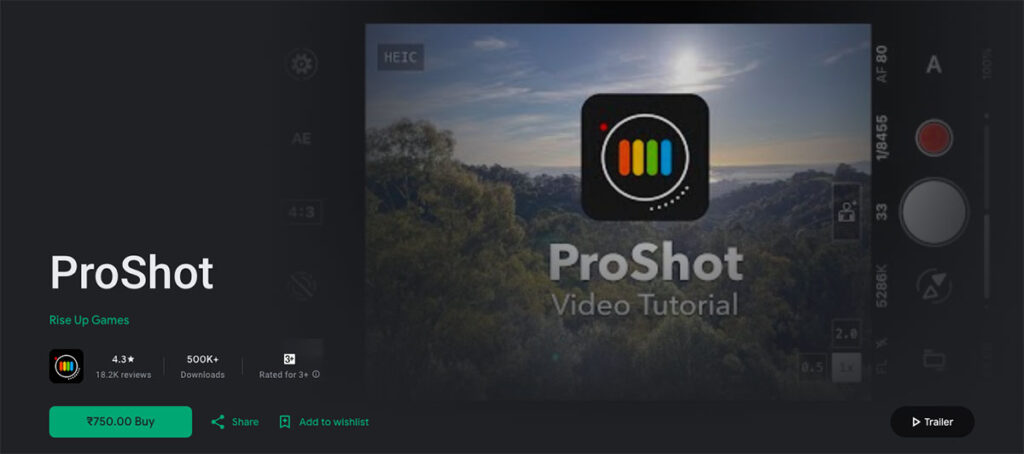
If you’ve ever wished your Android camera felt more like a professional DSLR, ProShot is where that wish comes true.
This app gives you complete creative control — from ISO and shutter speed to white balance and manual focus — all packed inside a clean, intuitive interface. It’s like carrying a mini DSLR in your pocket, minus the bulky gear.
Key Features
Why It Stands Out
Unlike many camera apps that overwhelm you with hidden menus, ProShot nails the balance between power and simplicity.
Its UI feels purpose-built — responsive, well-labeled, and easy to master after a few sessions.
For creators who want to learn photography by doing, ProShot offers one of the smoothest transitions from auto to manual shooting.
Best For
Pros
Cons
If you’re serious about photography and want total control over your shots, ProShot is hands-down one of the best Android camera apps in 2025.
It’s powerful, stable, and worth every rupee for those who treat their smartphone like a creative tool — not just a camera.
2. GCamera (GCam Ports) – AI Magic from Pixel Phones (Free)
If there’s one app that changed the way we look at smartphone photography, it’s Google Camera — better known in the Android community as GCam.
Originally built for Pixel phones, this app’s secret sauce lies in Google’s computational photography — those smart AI algorithms that make even a simple photo look stunning.
Thanks to talented developers, GCam “ports” now bring that same magic to many non-Pixel devices. And in 2025, it’s still a fan favorite.
Key Features
Why It Stands Out
The reason GCam remains one of the best Android camera apps in 2025 isn’t just its image quality — it’s the consistency.
You point, shoot, and almost every time get a photo that looks like it was professionally tuned. Even on mid-range phones, GCam can unlock better dynamic range, detail, and low-light performance than many default camera apps.
It’s especially powerful if your device has a compatible Snapdragon processor — since the ported versions use Google’s AI pipelines efficiently.
Best For
Pros
Cons
If you want the Pixel look without owning a Pixel phone, GCam is your golden ticket. It’s one of those rare apps that genuinely improves your camera’s output — no gimmicks, just smart AI magic.
Think of it as Google’s secret photography lab, now open to everyone.
3. Open Camera – The Open-Source Favorite
If you love simple, reliable tools that just work, Open Camera will win you over instantly.
It’s completely free, open-source, and surprisingly powerful — making it a long-time favorite among Android photography enthusiasts.
Despite its no-frills look, it packs pro-level controls under the hood — all without ads or paywalls.
Key Features
Why It Stands Out
In a world filled with flashy interfaces and in-app purchases, Open Camera keeps things honest.
It’s designed for photographers who care about function, not fluff. The app gives you serious control without overwhelming you with menus — ideal for beginners stepping into manual photography.
And since it’s open-source, the developer community constantly improves it, ensuring compatibility with the latest Android updates.
Think of it as your trustworthy “manual camera toolkit” — simple, transparent, and surprisingly capable.
Best For
Pros
Cons
Open Camera may not have fancy AI filters or cinematic presets, but it nails what matters: clarity, control, and consistency.
If you want an app that respects your privacy, gives you full manual freedom, and never nags you to upgrade — this is it.
4. Camera FV-5 – The Manual Photographer’s Dream
If manual photography feels like second nature to you, then Camera FV-5 will feel instantly familiar.
This app takes the DSLR shooting experience and translates it beautifully onto your Android screen. From adjusting exposure time to locking focus and tweaking white balance, it puts every pro control right at your fingertips — minus the heavy camera bag.
Key Features
Why It Stands Out
Camera FV-5 doesn’t chase trends — it focuses on precision.
While many camera apps simplify everything for casual users, this one invites you to slow down and compose thoughtfully, just like with a real DSLR. Every setting adjustment feels intentional — from tweaking ISO to controlling how light hits your frame.
The app even offers a viewfinder display inspired by DSLR cameras, complete with exposure and aperture indicators, giving photographers that familiar “pro gear” feeling right on mobile.
It’s not flashy — it’s functional, focused, and built for creators who understand light.
Best For
Pros
Cons
Camera FV-5 is built for purists — those who love the craft of photography more than quick filters or AI tricks.
If you enjoy playing with exposure, mastering manual focus, or experimenting with night trails, this is your playground.
It’s not for everyone — but for the right user, it’s perfection.
5. Adobe Lightroom Mobile – Capture + Edit Like a Pro
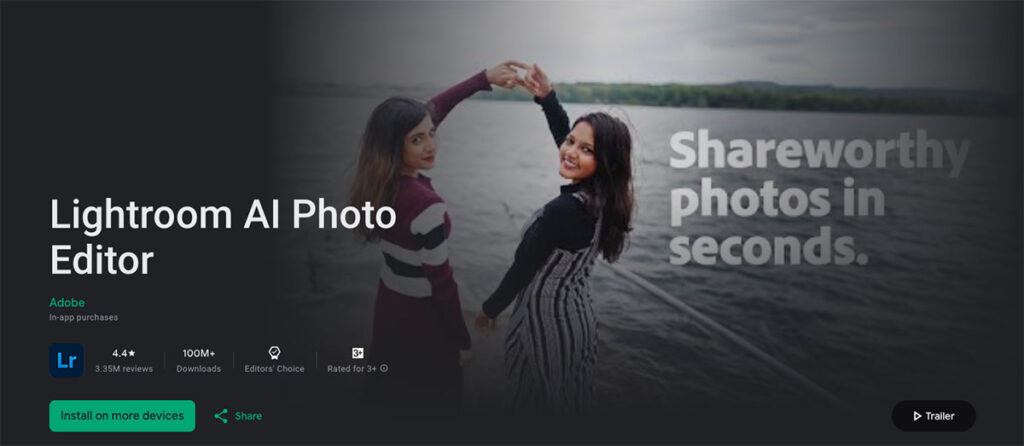
If you’re the kind of creator who shoots, edits, and publishes all from your phone — Adobe Lightroom Mobile might just be your all-in-one powerhouse.
It’s not just a photo editor. Lightroom also packs a built-in pro camera, giving you DSLR-like control and direct access to Adobe’s legendary editing tools — right inside one sleek app.
For many mobile photographers in 2025, Lightroom Mobile is where shooting meets storytelling.
Key Features
Why It Stands Out
What makes Lightroom Mobile special is the end-to-end workflow. You don’t need to juggle between camera and editing apps — you can shoot in RAW, tweak exposure or white balance instantly, apply cinematic tones, and share directly on Instagram or export for clients.
And with Adobe’s AI-driven tools, photo enhancement is faster than ever. Just tap “Auto” and watch the app intelligently balance colors, contrast, and shadows — no overprocessing, just a natural boost.
It’s like having your own mini editing studio in your pocket.
Best For
Pros
Cons
Adobe Lightroom Mobile is a must-have for photographers who want professional-grade results without ever touching a laptop.
It bridges the gap between capture and creativity, giving you both control and polish — whether you’re editing travel shots or crafting your next Instagram reel cover.
6. VSCO – For the Aesthetic Creators
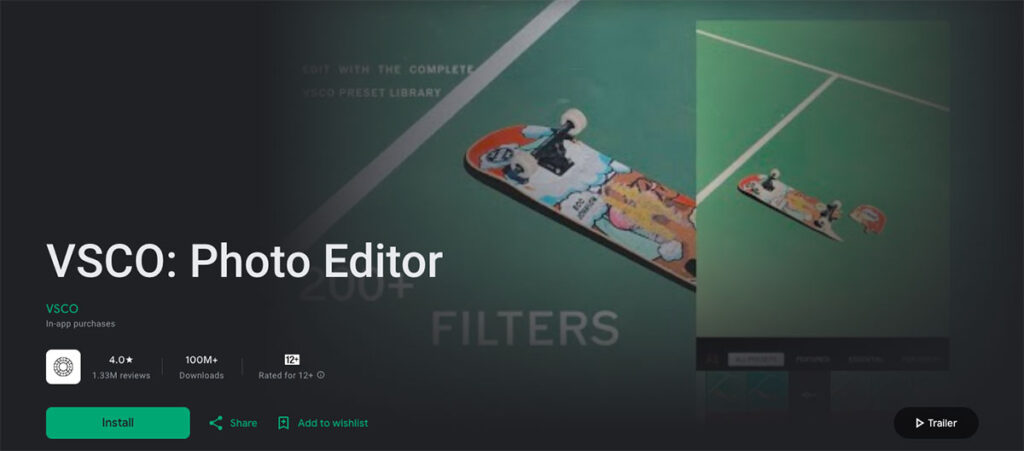
If your feed is your art gallery and you care as much about vibe as you do about clarity, VSCO is your creative playground.
VSCO started as a photo editor with dreamy filters — but today, it’s also a powerful camera app with manual controls, RAW shooting, and a built-in creative community that celebrates aesthetic storytelling.
It’s not just about snapping pictures; it’s about creating moods.
Key Features
Why It Stands Out
What makes VSCO special is how effortlessly it blends art and functionality.
You get powerful camera tools wrapped inside an interface that feels creative, not technical.
Every preset has a personality — from soft matte film tones to punchy contrast looks — and even small edits feel satisfying.
The app’s minimalist design encourages you to focus on what matters: the story your photo tells.
Think of VSCO as your visual diary — calm, curated, and distinctly you.
Best For
Pros
Cons
VSCO is where photography meets art direction. It’s less about perfect exposure and more about emotional expression — making it perfect for creators who care about style and storytelling as much as sharpness.
Whether you’re crafting your next Instagram carousel or mood board, VSCO gives your shots that signature aesthetic glow that no default camera app can match.
7. ProCam X – Manual Power Without Limits
If you’re chasing DSLR-like control without carrying extra gear, ProCam X might just be your dream app.
It’s a powerhouse built for those who want speed, precision, and creative control — all packed into a smooth, modern Android interface.
Think of it as the bridge between ProShot’s manual depth and GCam’s smart simplicity.
Key Features
Why It Stands Out
Unlike many paid camera apps, ProCam X doesn’t just add fancy buttons — it delivers genuine control.
The UI feels intuitive and modern, with clearly labeled sliders that make manual adjustments fast and satisfying.
Performance-wise, it’s one of the most stable manual camera apps on Android in 2025. No lags, no crashes, no “please wait” pop-ups when switching modes.
And the built-in video mode is particularly impressive — offering options like high bitrate recording, manual focus control during video, and even exposure lock, giving vloggers and content creators a serious upgrade over their stock app.
ProCam X feels professional without feeling complicated.
Best For
Pros
Cons
ProCam X is easily one of the best Android camera apps in 2025 for anyone who wants a mix of power, polish, and practicality.
It gives you complete control over every frame, whether you’re shooting portraits, product photos, or cinematic clips.
And because it’s a one-time purchase, it’s also one of the smartest investments for creators who value quality.
8. ReLens Camera – Focus & DSLR Blur Magic
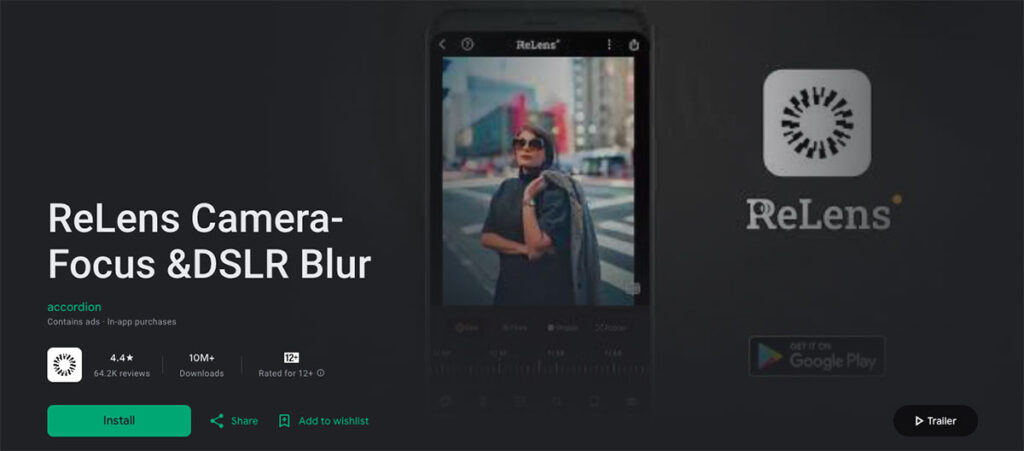
If your goal is to make every photo look like it came straight from a DSLR, ReLens Camera might just be your new favorite tool.
This app specializes in what smartphone shooters crave most — pro-level depth, natural bokeh, and cinematic focus control — all powered by advanced AI and computational photography.
In short, ReLens Camera makes portraits pop and backgrounds melt away with beautiful precision.
Key Features
Why It Stands Out
Unlike most camera apps that just “blur” the background, ReLens Camera actually simulates lens behavior — analyzing scene depth to separate foreground and background naturally.
The result? Blur that looks optical, not artificial. Hair edges, glass reflections, and fine details remain crisp, while the background gently fades like it would with a real 50mm lens.
Plus, the app’s AI algorithms get smarter over time, improving edge detection and blur realism with each update.
Think of ReLens Camera as the portrait photographer’s secret weapon — no bulky lens required.
Best For
Pros
Cons
ReLens Camera nails what most smartphone shooters want in 2025 — creamy bokeh, smart depth control, and a polished pro look without extra gear.
Whether you’re shooting portraits, lifestyle shots, or cinematic clips, ReLens gives you that unmistakable DSLR vibe — complete with AI precision and intuitive design.
9. HD Camera for Android – Fast, Simple, and Surprisingly Capable
Not everyone wants sliders, histograms, and RAW files.
Sometimes, you just want an app that opens instantly, focuses fast, and snaps crisp, colorful shots — every time.
That’s exactly what HD Camera for Android delivers.
It’s one of those underrated gems that brings speed, stability, and quality together in a no-nonsense package. Whether you’re capturing a sunset, a quick selfie, or your pet mid-yawn, this app makes the process effortless and fun.
Key Features
Why It Stands Out
What makes HD Camera for Android shine is its balance between simplicity and performance.
It doesn’t try to be a full-on DSLR simulator — it focuses on speed, stability, and color accuracy, which most casual users actually need.
The HDR mode works surprisingly well for a free app, balancing highlights and shadows in bright scenes without making photos look overprocessed.
And thanks to regular updates, it stays compatible with the latest Android versions and camera sensors — which can’t be said for many older alternatives.
HD Camera for Android is the camera app you open when you just want great photos fast.
Best For
Pros
Cons
HD Camera for Android proves that simplicity still wins in 2025.
It’s not designed to replace pro tools like ProCam X — but it’s perfect for everyday shooters who just want reliable, high-quality photos without fuss.
If your default camera feels sluggish or cluttered, this app is a refreshing reminder that speed and sharpness don’t have to cost extra.
10. Camera for Android – The Native HD Shooter
If you prefer a no-frills, dependable camera app that just works, Camera for Android is a solid pick. It’s built on native Android camera code and aims to offer essential features with stability and speed — ideal for users who don’t want to get lost in menus.
Key Features
Why It Stands Out
Because it’s rooted in native Android camera code, this app feels like an enhanced version of your system camera — but with more usable settings and fewer surprises.
It doesn’t aim to compete with pro-level apps — instead, it gives you stability, straightforward operation, and HD output without clutter. For many users, that’s exactly what they need.
Best For
Pros
Cons
Camera for Android doesn’t try to be the most powerful camera app — but it doesn’t need to. Its strength lies in being dependable, fast, and straightforward.
If you want a camera app that replaces shaky stock apps but doesn’t burden you with complexity, this one delivers. In your 2025 lineup, it serves as the “go-to fallback” — the app you can trust to just work.
Comparison Table: Quick Reference
If you’re deciding which camera app fits your style, here’s a feature-by-feature comparison of the Top 10 Best Android Camera Apps in 2025.
This quick chart shows which apps support RAW capture, manual controls, AI processing, video tools, and their pricing model — all in one place.
| App Name | RAW Support | Manual Controls | AI / HDR+ | Pro Video Tools | Price | Best For |
|---|---|---|---|---|---|---|
| ProShot | Yes | Full (ISO, Shutter, WB) | No | Yes | Paid | DSLR-style manual control |
| GCamera (GCam Ports) | Limited | Minimal | Yes (HDR+, Night Sight) | Basic | Free | AI-enhanced photography |
| Open Camera | Yes | Full | Limited | Moderate | Free | Open-source enthusiasts |
| Camera FV-5 | Yes | Full | No | Basic | Paid | Manual photography purists |
| Adobe Lightroom Mobile | Yes | Partial | Yes (AI Auto Enhance) | Moderate | Free / Premium | Photographers who edit |
| VSCO | Yes | Partial | Auto Tone | Basic | Free / Premium | Aesthetic creators and social users |
| ProCam X | Yes | Full | Basic HDR | Yes | Paid | Photo + video creators |
| ReLens Camera | Yes | Partial | Yes (AI Depth, Blur) | Moderate | Free / Premium | Portrait and bokeh lovers |
| HD Camera for Android | No | Basic | Yes (HDR Mode) | Basic | Free / Optional Premium | Everyday photography |
| Camera for Android | No | Basic | Auto Scene Detection | Basic | Free | Simple, reliable shooting |
Key Takeaways
Pro Tip: If your device supports Camera2 API and RAW capture, pairing ProCam X for manual shooting with Lightroom Mobile for editing gives you an excellent all-round mobile workflow — control meets creativity.
How to Choose the Right Camera App for You
With so many great options out there, picking the right camera app can feel overwhelming. The truth is — there’s no single “best” one for everyone.
The ideal app depends on how you shoot, what you value most, and how much control you actually want.
Here’s a quick guide to help you decide.
1. If You Love Manual Photography
If you’re the kind of person who enjoys tweaking ISO, controlling exposure, and composing your shots like a pro — go for an app that gives you full manual freedom.
Best picks:
Why: These apps turn your Android device into a proper photography tool, not just a camera phone.
2. If You Want AI-Powered Magic
Prefer letting smart algorithms do the heavy lifting? Then you’ll want an app that leverages AI scene detection, HDR processing, and computational photography for the best results automatically.
Best picks:
Why: These apps are ideal for users who want jaw-dropping photos without manual tweaks — just point, shoot, and let AI do the rest.
3. If Editing Is Part of Your Workflow
If your photos always go through color correction, filters, or post-processing before posting — choose an app that integrates editing tools or works seamlessly with them.
Best picks:
Why: These apps blur the line between shooting and storytelling. Perfect for content creators who want to define a visual style.
4. If You Want Something Simple and Fast
Not everyone wants to think about aperture or white balance. Sometimes, you just want a camera that starts quickly, focuses instantly, and delivers bright, clear photos.
Best picks:
Why: Great for everyday use — family photos, travel moments, and spontaneous captures.
5. If You’re a Mobile Video Creator
If your workflow includes vlogs, short films, or social clips, you’ll want strong video controls — especially bitrate, exposure lock, and manual focus.
Best picks:
Why: These apps give you consistent, cinematic footage straight from your Android — no heavy editing tools needed.
6. If You’re on a Budget
You don’t have to spend money to get amazing shots. Many of the best Android camera apps in 2025 are either free or offer generous free versions.
Best free picks:
Why: These apps prove that performance and price aren’t always linked.
Choosing the right camera app isn’t about having the most features — it’s about finding the one that fits how you shoot.
No matter what your shooting style is, there’s an app on this list that can make your photos stand out in 2025.
Final Thoughts: Shoot Smarter in 2025
Smartphone photography has come a long way — but in 2025, it’s no longer just about megapixels or lenses.
It’s about how smart your camera app is, and how well it helps you tell your story.
Whether you’re chasing cinematic blur, mastering manual exposure, or just trying to capture everyday moments with clarity — there’s an app designed for you.
The beauty of Android is choice. You can pick the camera app that fits you best — not the one your phone manufacturer decided was “good enough.”
The right camera app doesn’t just improve your photos — it changes how you see the world through your lens.
So don’t settle for average shots when your phone can do so much more.
Experiment, explore, and find the app that makes you want to shoot more often.
After all, great photography isn’t about expensive gear — it’s about using the right tools with creativity and intent.